Fewer forgotten groceries
Track expiry dates.
Use the food you already have.
Record groceries and expiry dates in Spremly. A clear household inventory and reminders make it easier to plan what to use before your next shopping trip.
Start with one shelf. See available plans on the pricing page.
What should I use first?
Dates in one place instead of relying on memory.
A small change, a useful habit
Do not buy again what you forgot on the shelf.
An item hidden behind other packages. An opened product without a recorded date. Another purchase “just in case”. A better overview helps you notice what you already have and include it in your meal plan.
Review your inventory
Record groceries and where you store them.
Track important dates
Enter the date from the packaging and use reminders as a prompt to check.
Plan before shopping
Review recorded items and use those approaching their date first.
A simple start
From one shelf to a habit that lasts.
Add groceries
Start with products you often forget. Adding items from a photo can make entry easier; check the details before saving.
Record the date
Copy the date from the packaging. Follow storage instructions and guidance for use after opening.
Use and update
Review your inventory before shopping. Update an entry after use so the list stays useful.
Practical tip: move products that should be used sooner to the front and agree on a short weekly check with your household.
For an overview and organisation of your entire pantry, read the guide to household supplies and expiry dates.
An important label distinction
Two labels. Two different meanings.
Safety
“Use by”
This label concerns safety. Do not eat food after this date, even if it looks or smells normal.
Quality
“Best before”
This label concerns quality. Passing this date does not automatically mean the food should be discarded. Proper storage, packaging condition, and manufacturer instructions still matter.
Spremly does not assess food safety. Reminders do not replace the label, proper storage, or instructions for use after opening. Smell and appearance are not reliable ways to assess food after a “use by” date.
Source: EFSA — Food date labelling.
For the whole household
Shared inventory is easier to maintain together.
Put groceries in a shared Spremly space or subspace so household members can track them. Agree on one simple rule: whoever uses a product updates the entry.
QR codes can help organise boxes and storage areas, while adding items from a photo makes inventory entry easier. Verified dates and an up-to-date list remain most important for tracking food.
Learn more about household sharingFrequently asked questions
Before your first shelf.
Can Spremly track food expiry dates?
Yes. You can record an expiry date for each grocery item and use reminders. Keep entries up to date so your inventory reflects what you actually have.
Does AI automatically read the date on the packaging?
Adding an item from a photo can make inventory entry easier. Always check the date on the packaging and enter or correct it yourself; do not assume AI recognised it accurately.
Does a reminder mean the food is safe?
No. A reminder helps you track a date, but it does not assess food safety. Follow the label, storage conditions, and instructions for use after opening.
Do I need to catalogue the whole kitchen at once?
No. Start with one shelf and the groceries you most often forget. Add new items gradually and update them after use.
Can I track groceries with my household?
Spremly supports sharing selected household spaces and subspaces. Record shared groceries in a shared space and check the current plans for availability and limits.
Start simply
Start with what you already have.
Choose one shelf, record a few groceries, and add their dates. Let your next shopping trip begin with a review of your inventory.
Spremly in practice
Expiry dates you no longer need to remember
Groceries are easily forgotten on shelves, in kitchen cupboards, or in the pantry. In Spremly, record an item, choose where it is stored, and add its expiry date. The upcoming-dates view and reminders help you check what should be used in time.
Kitchen / Pantry cupboard
Beyond food
Everything has its place. Some things also have an important date.
Spremly is not only for food. Keep items organised and track dates that matter in one place — from warranty expiry dates to deadlines linked to receipts and contracts.
Expiry date
Track food and household-supply dates so you can check what should be used in time.
Warranty
Record warranty expiry dates for appliances, electronics, and other equipment.
Receipt / contract
Add important dates linked to receipts and contracts so they do not slip by.
Custom reminder
Set your own date for a check, replacement, or another task related to an item.
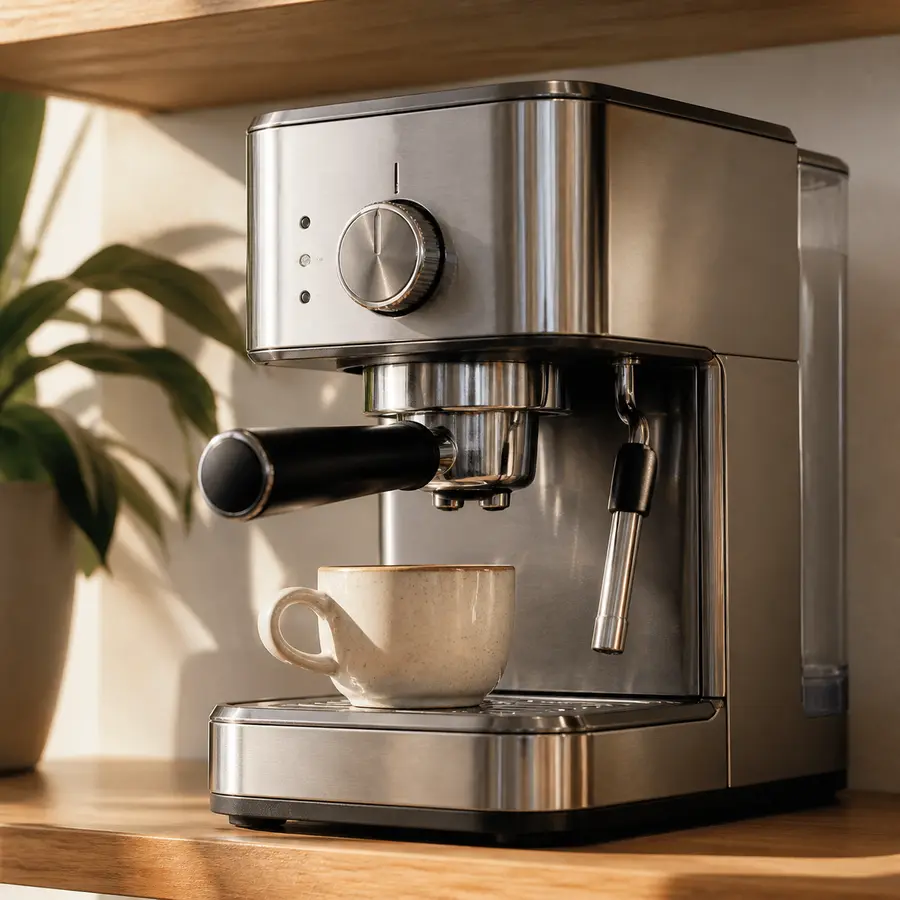
Documents with the item
The receipt is saved. The warranty is under control.
With Spremly, you can keep a photo of a receipt or warranty document with the item it belongs to. Add the warranty expiry date and useful appliance details so they are easier to find when you need them.
The item, its location, up to three photos, and important dates stay connected in one place.
Organise items and important dates