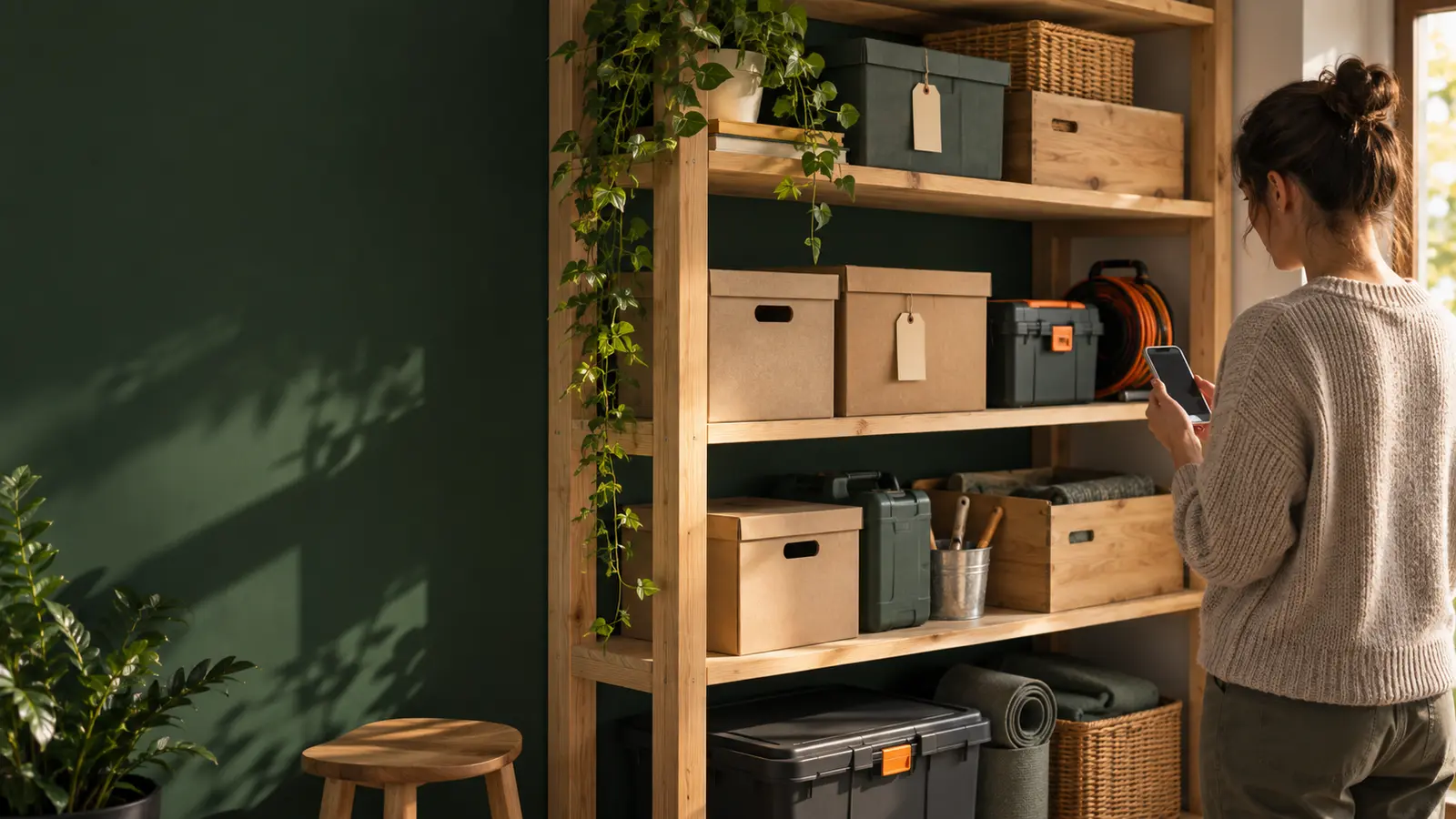
A system for a real home
Digital home inventory: less searching, a clearer picture
A digital home inventory is not a list of every small thing. It is a simple record of what you own and where it is, so the next search starts with an answer instead of opening every box.
What a digital home inventory actually solves
A space can look tidy and still be difficult to use. The problem appears when you need one adapter, document, tool attachment, or winter decoration and memory has to connect the room, shelf, and box contents. An inventory does not replace tidying. It keeps the context: what an item is and where it is stored.
Start where things are most often lost
There is no need to record the whole home at once. Choose one place that creates the most friction: a cable box, tool shelf, seasonal wardrobe, basement, or garage. Write the location in words you would actually search for later, for example “garage → left shelving unit → bike box”. Then add a few items you often look for or could easily buy twice.
A record you can still find in six months
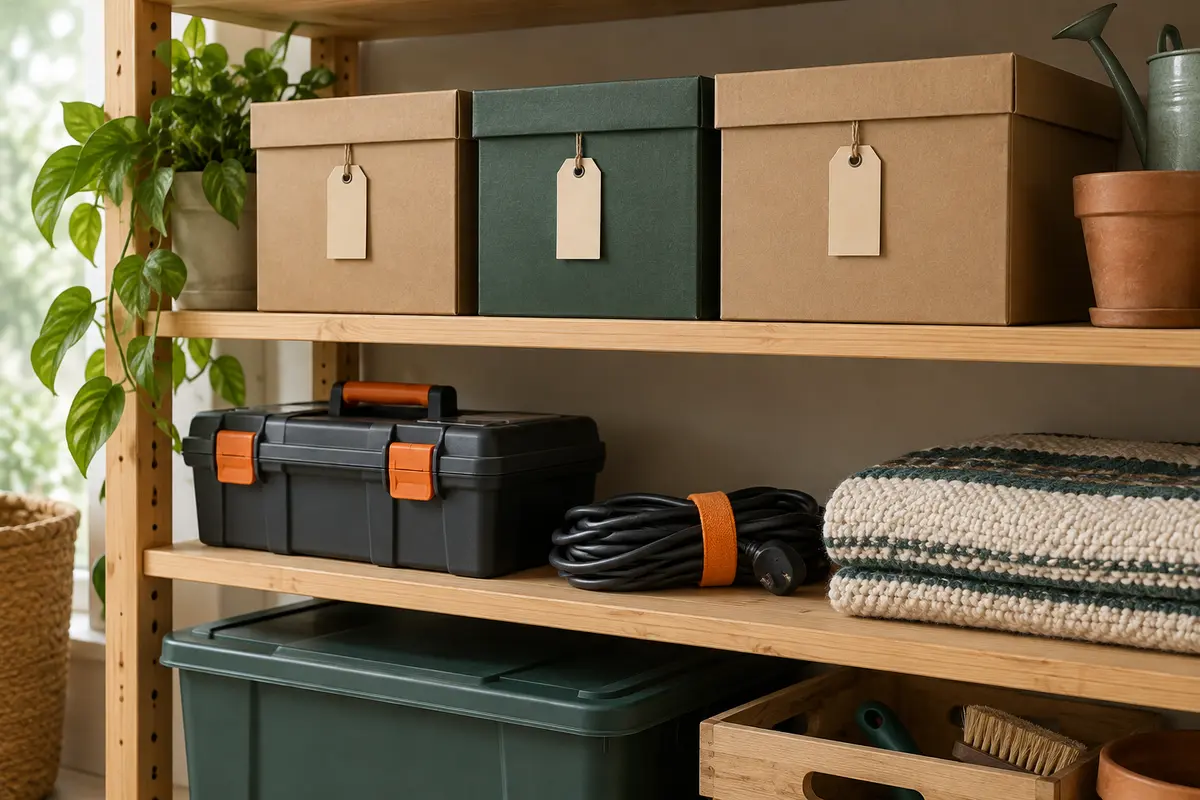
A useful record does not need to be long. Clear names such as “extension lead”, “spare bulbs”, or “children’s skis” are more useful than “miscellaneous”. A photo can help recognise an item or shelf contents, but the name and location provide the answer. When an item moves, update the location while the change is still fresh.
Boxes, shelves, and rooms become a system
Physical labels and a digital inventory work together. A box can still say “bike tools”, while its digital record can list a tape measure, pump, attachments, and where the box sits. You no longer need to open it just to check whether you already own something. The same approach works for documents, seasonal equipment, children’s clothing, and belongings after a move.
How Spremly helps without creating another chore
In Spremly, you can record an item, photo, and location, then search your inventory when you no longer remember where something ended up. A photo can be used for an AI suggestion on the first entry, while you review and confirm the record before saving. Start with one shelf or one box; the system grows only where it is genuinely useful.
Location
Search
AI suggestion
For a practical tidying plan, read the 7-step home organisation guide. How to find things at home.