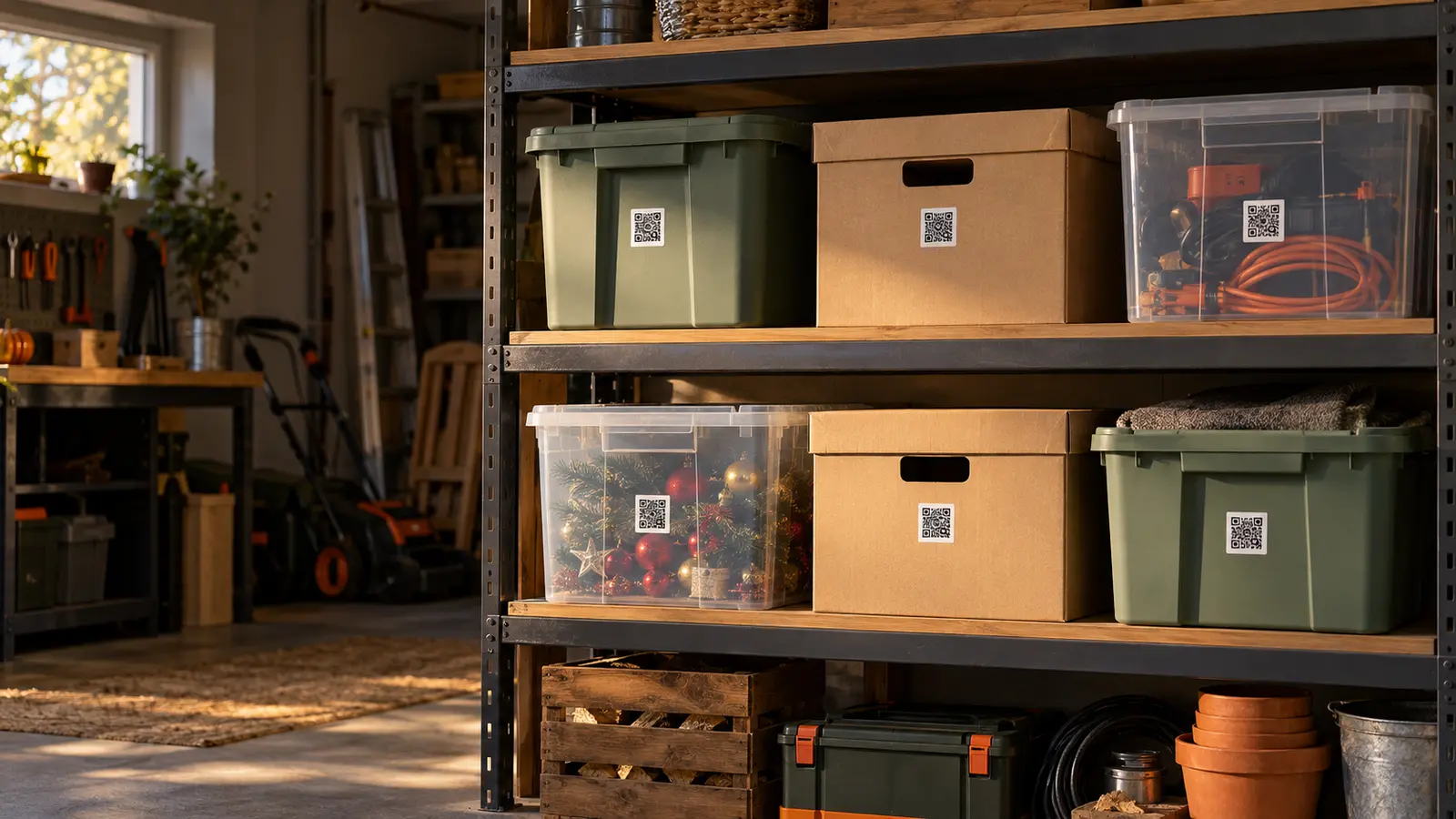
A simple process
From box to answer in three steps.
1. Record your things
Add boxes and items to Spremly. Enter them manually or use the existing AI photo analysis.
2. Label the box
Create a QR label, then download it or print one label or an A4 sheet.
3. Scan and find
Scan it with your phone, sign in, and open the linked space in your inventory.
When things are out of sight
One label. Far less searching.
Basement and storage
Seasonal things, documents, and decorations.
Garage
Tools, parts, and equipment.
Moving home
A clear record of every labelled box.
Wardrobes and seasons
Clothes and things you use less often.
 Scan to meet Spremly
More than a label
A label tells you where to start. Your inventory provides the answer.
- QR labels linked to your digital inventory.
- Search across items, tags, and spaces.
- Manual entry or existing AI photo analysis.
- Update contents without a new label until you regenerate or deactivate it.
Questions before your first label?
Do I need a special app to scan a label?+
No. Use your phone camera if it supports QR codes. To see private contents, sign in to your Spremly account.
Are QR labels free?+
Yes. QR labels are included in every Spremly plan at no extra charge. Your plan’s limits for items, spaces, and subspaces still apply.
Can I update a box without replacing its QR label?+
Yes. The label remains the same while you update a space. You only need a new one if you deliberately regenerate or deactivate it.
Can anyone see my inventory by scanning a label?+
No. A QR label only identifies a space. Its contents open only after you sign in to your Spremly account.
Can I use Spremly when moving home?+
Yes. Label boxes, record their contents manually or with photo analysis, and quickly find what you need while packing or unpacking.