ORGANISE YOUR HOME TOGETHER
Organise your home together. Keep your own things private.
Share selected spaces, organise shared things, and keep your personal inventory to yourself.
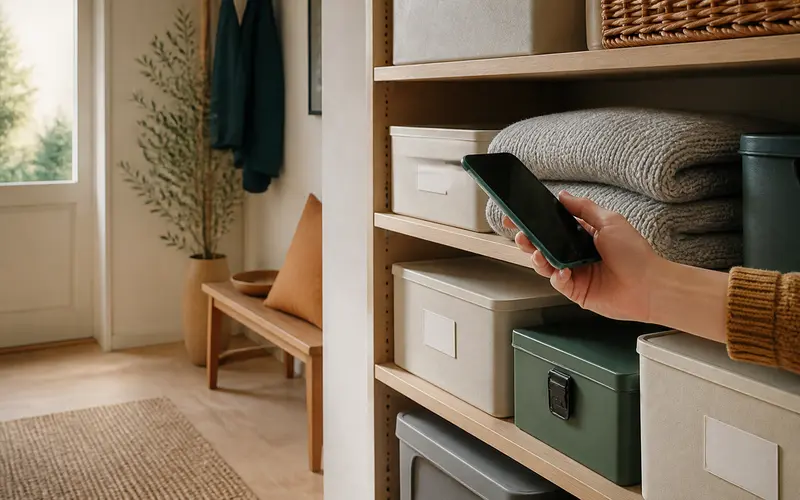
Household
Garage · 42 items
2 members
Fewer questions. One clear view.
All your shared things in one place.
Everyone knows where things are
One view of shared things and their locations.
Organise it together
Authorised members keep the shared inventory up to date.
Private stays private
Only spaces selected by the owner are shared.
Easy to begin
A shared inventory in a few simple steps.
- 1
Choose a space
The owner selects the space and subspaces to share.
- 2
Create an invitation
Choose a role, then copy and send the secure link.
- 3
Set access
Allow members to view or manage shared content.
- 4
Organise together
Each member uses the inventory according to their role.
A clear boundary
Your things. Your rules.
My private spaces
Visible only to you. Members cannot open or search your private content.
Our shared spaces
Selected spaces and subspaces are available according to each role. Individual items are not shared separately.
Role-based access
Access control without the complexity.
Owner
Chooses what is shared and manages members and permissions.
Editor
Adds, edits, and deletes content in shared spaces.
Viewer
Views shared content without making changes.
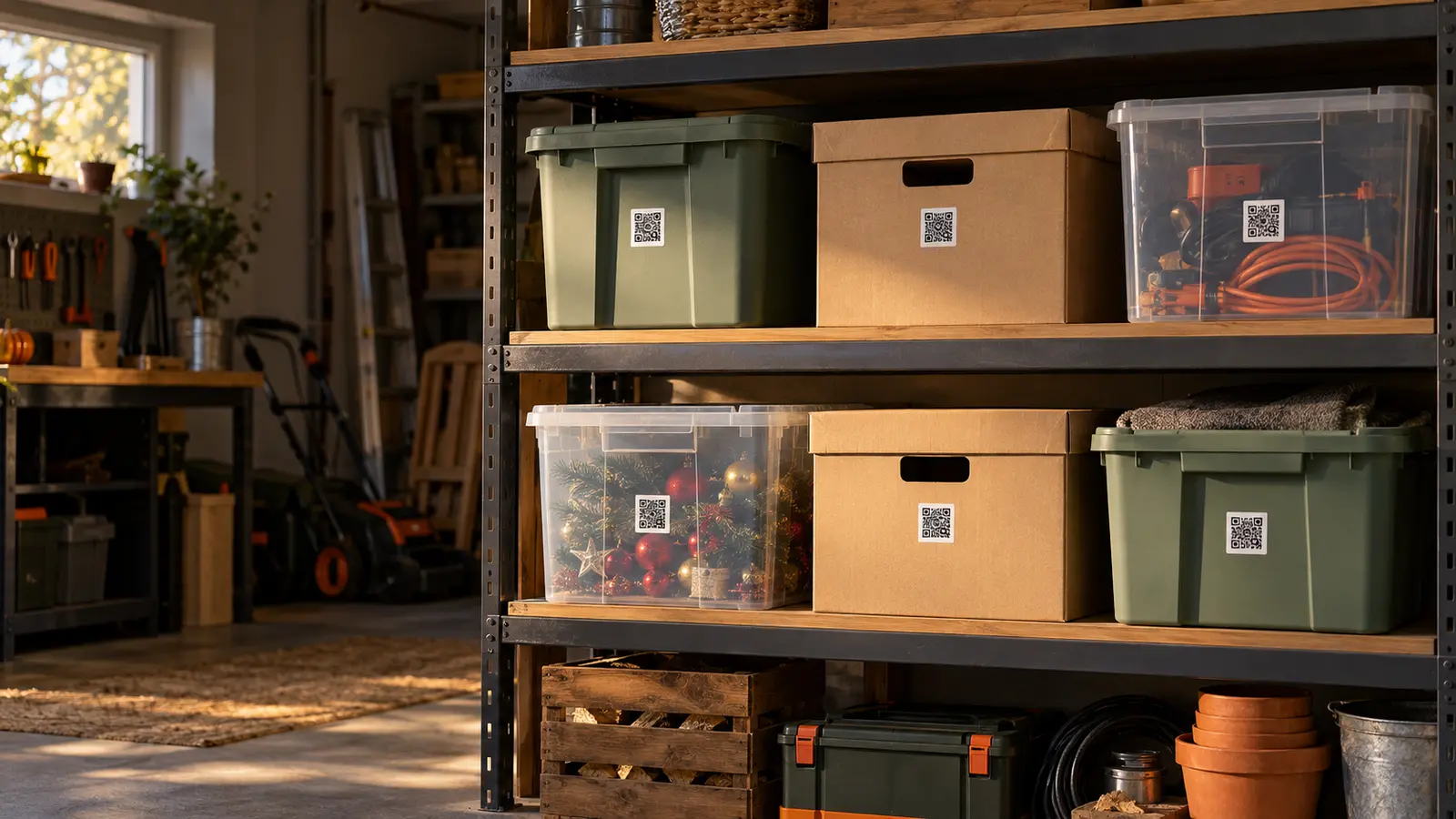
QR LABELS + HOUSEHOLD
Find shared things even faster.
Label boxes with QR codes and open their contents faster. Access always follows current membership and permissions.
Learn more about QR labelsMade for a real home
For everyone who shares a space but not the time to search through it.
Families and partners
One clear view of the things you use together.
Garages, basements, and storage
Boxes and equipment available to the right people.
Frequently asked questions
Before you share your first space.
Can I share just one space?+
Yes. The owner chooses the space; its subspaces and items become part of the shared inventory.
Can members see my private items?+
No. Private spaces and their contents remain available only to you.
Who can invite members?+
Only the household owner can create invitations, remove members, and change their roles.
Can members add items?+
Editors manage content in shared spaces, while viewers have read-only access.
Does everyone need a paid plan?+
No. The owner needs a Basic or Plus plan, and shared content uses that plan’s capacity. Invited members do not need their own paid plan.
Do QR labels work in shared spaces?+
Yes. Their contents open only for someone who currently has permission.
What happens when a member is removed?+
Their access to shared inventory, photos, and QR content ends immediately. Their own private inventory remains theirs.